save_svg_as_emf
- pyhelpers.store.save_svg_as_emf(path_to_svg, path_to_emf, inkscape_exe=None, verbose=False, print_kwargs=None, raise_error=False)[source]
Save a SVG file (.svg) as a EMF file (.emf) using Inkscape.
- Parameters:
path_to_svg (str | os.PathLike) – The path to the source SVG file.
path_to_emf (str | os.PathLike) – The path where the EMF file will be saved.
inkscape_exe (str | None) – The path to the Inkscape executable. If
inkscape_exe=None(default), uses the standard installation path.verbose (bool | int) – Whether to print progress to the console; defaults to
False.raise_error (bool) – Whether to raise FileNotFoundError if the Inkscape executable is not found; defaults to
False.print_kwargs (dict | None) – [Optional] Additional parameters passed to pyhelpers.store._check_saving_path(). Defaults to
None.
Examples:
>>> from pyhelpers.store import save_svg_as_emf
>>> from pyhelpers.dirs import cd
>>> from pyhelpers.settings import mpl_preferences
>>> mpl_preferences(backend='TkAgg')
>>> import matplotlib.pyplot as plt
>>> x, y = (1, 1), (2, 2)
>>> fig = plt.figure()
>>> ax = fig.add_subplot()
>>> ax.plot([x[0], y[0]], [x[1], y[1]])
>>> # from pyhelpers.store import save_figure
>>> # save_figure(fig, "docs/source/_images/store-save_fig-demo.pdf", verbose=True)
>>> fig.show()
The above example is illustrated in Figure 9:
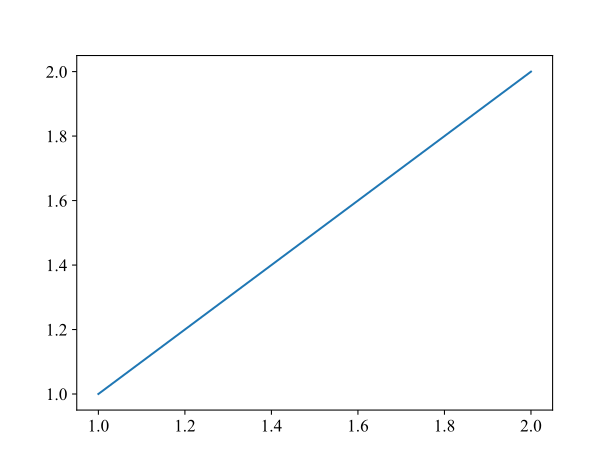
Figure 9 An example figure created for the function
save_svg_as_emf().¶>>> img_dir = cd("tests", "images") >>> path_to_svg = cd(img_dir, "store-save_fig-demo.svg") >>> fig.savefig(path_to_svg) # Save the figure as a .svg file >>> path_to_emf = cd(img_dir, "store-save_fig-demo.emf") >>> save_svg_as_emf(path_to_svg, path_to_emf, verbose=True) Saving "store-save_fig-demo.emf" to "./tests/images/" ... Done. >>> plt.close()